 Pro Ski USA
 Pro Ski Canada
 English
 Deutsch
 Slovenščina
Skiing
Classic
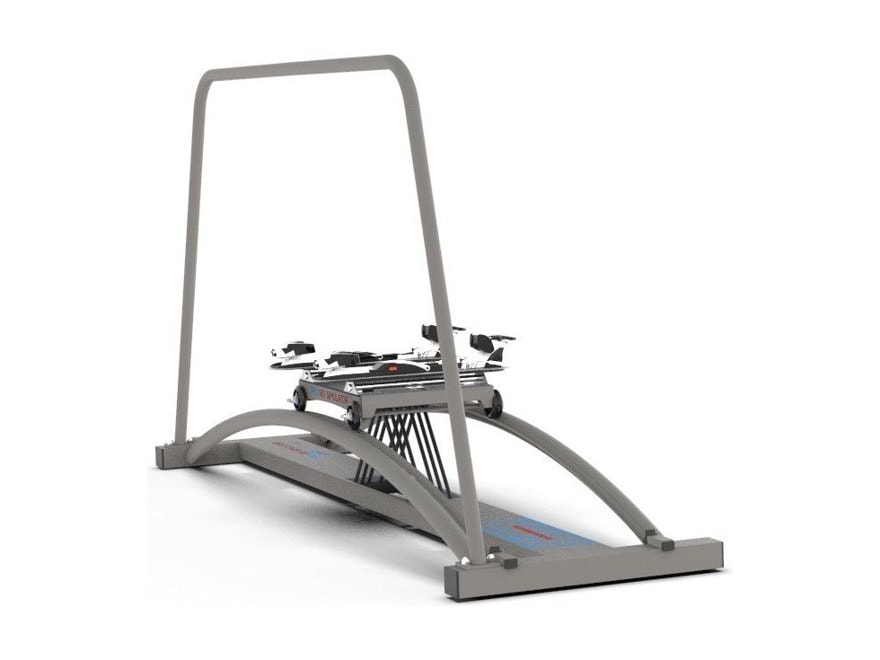
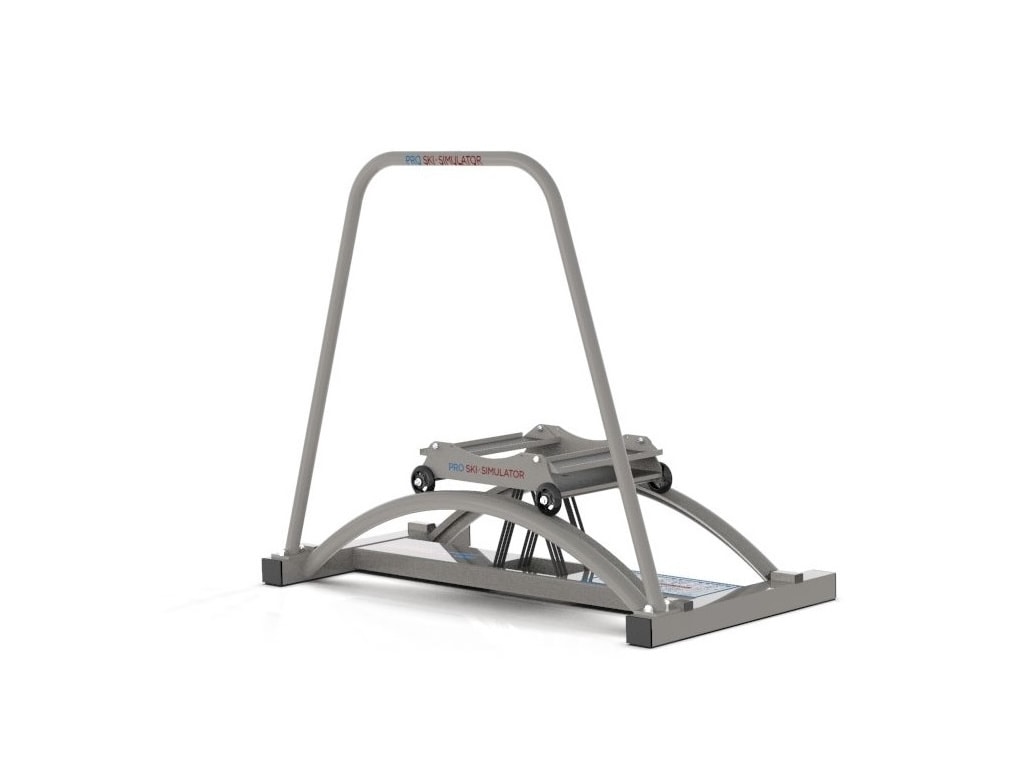
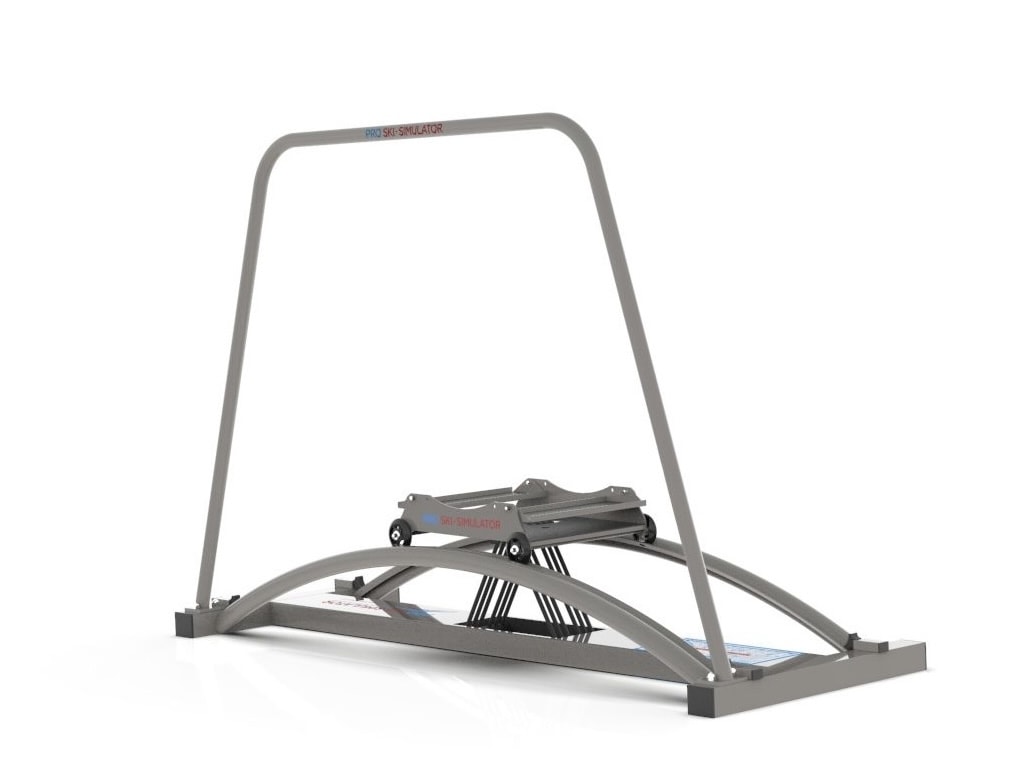
Classic frame · all-in-one cart · Sneakers · Game
from1.969,00 €
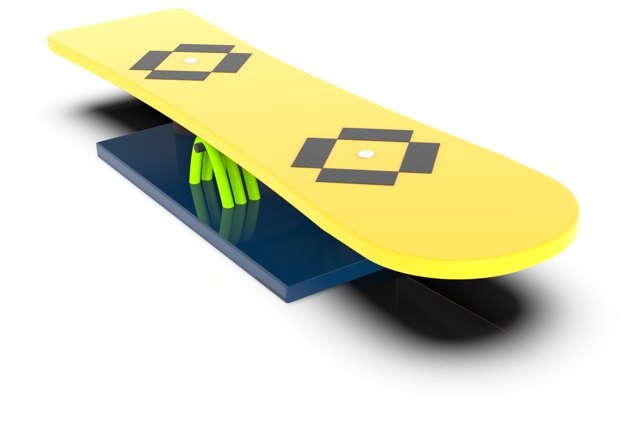
Configure with the Game ›Your turns on the machine steer a skier down a downhill, slalom or giant slalom course — or an endless slope — on your TV or projector, run from a Windows PC. The training is the same carved-turn movement, in ski boots or sports shoes; the course just makes you forget you’re counting. Works with the snowboard deck too.
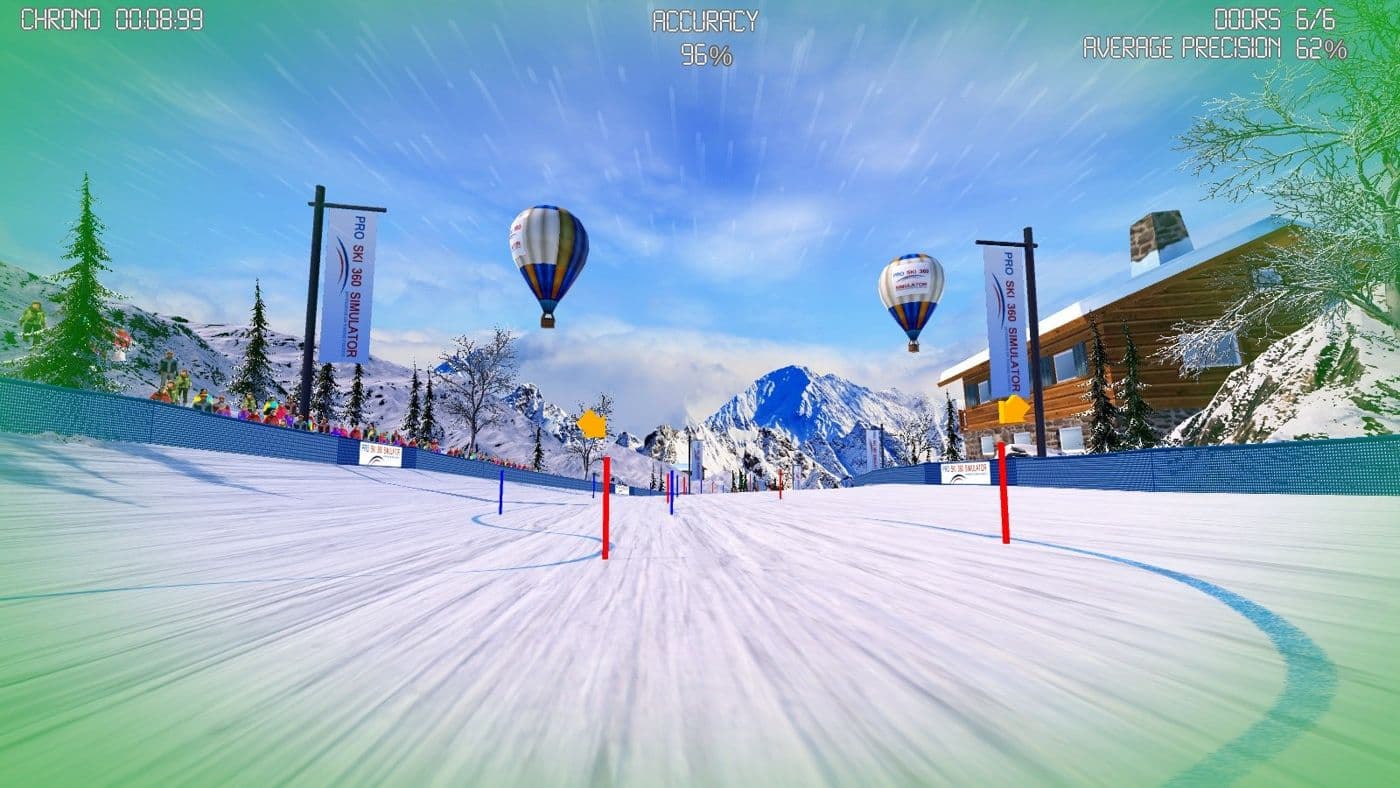
Each mode asks for a different rhythm, so the same machine gives you short, quick turns one day and long, powerful arcs the next. There are games and competitions for family and friends too.
Long, fast arcs down the course. Hold a low, stable stance and keep the turns smooth — endurance with a finish line.
 Short turns
Tight gates, quick edge changes. The best rhythm and timing drill there is — and the one that shows who hesitates at the transition.
 Long turns
Wider gates and longer arcs. Full travel, strong angulation and holding the edge under load — strength-endurance with a finish line.
Non-stopNo finish, just the mountain. Non-stop free carving at your own rhythm — for warm-ups, longer cardio sessions and younger riders.
Push the cart left and the skier on screen turns left; push harder and the turn gets tighter. Nothing on the machine is motorised — a laser sensor and laser plate read your movement, and the Game turns it into a run.
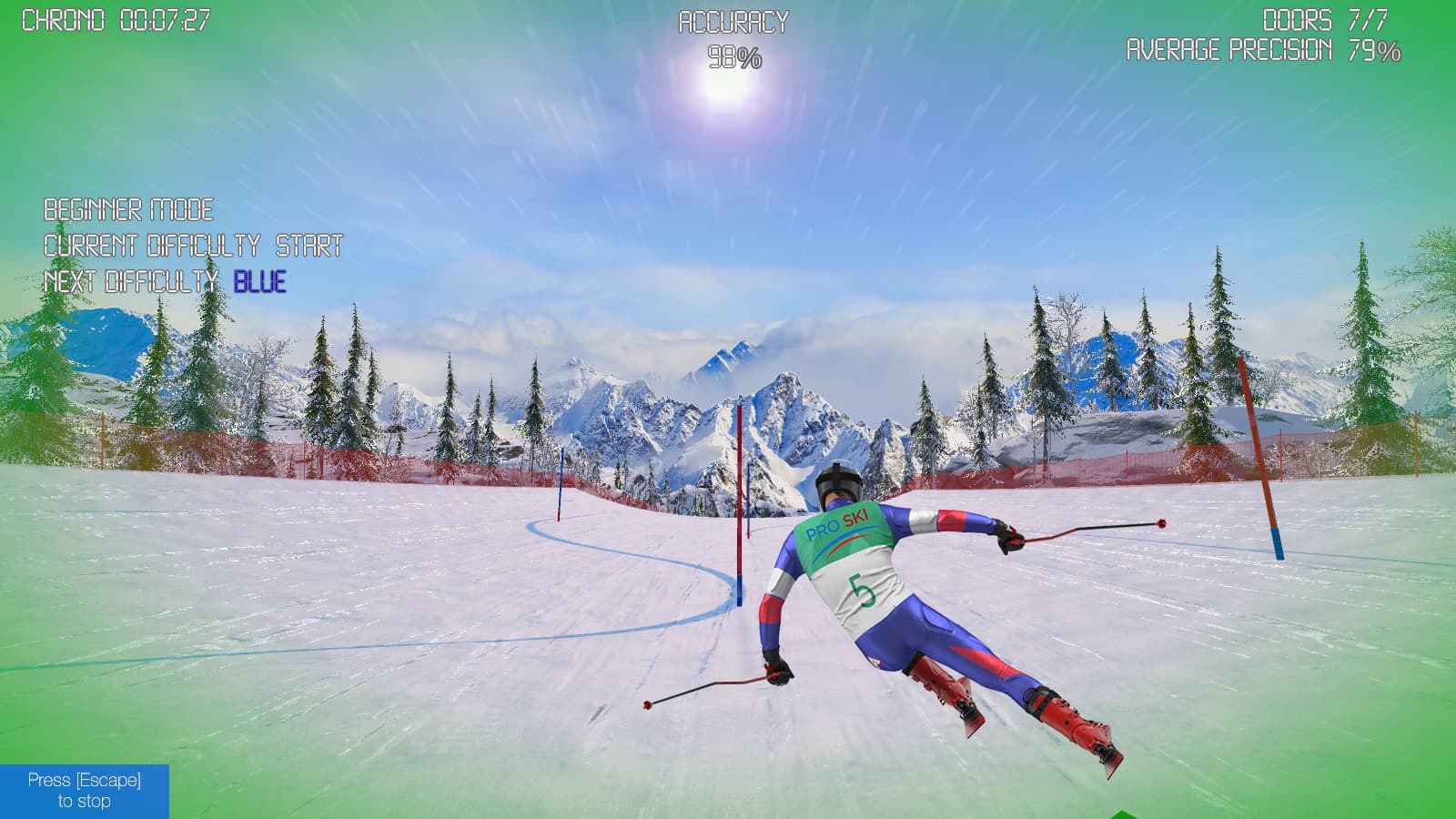
The Game is a tech tier for the Classic and Power frames on the all-in-one cart — with any module, including the snowboard deck.
Classic frame · all-in-one cart · Sneakers · Game
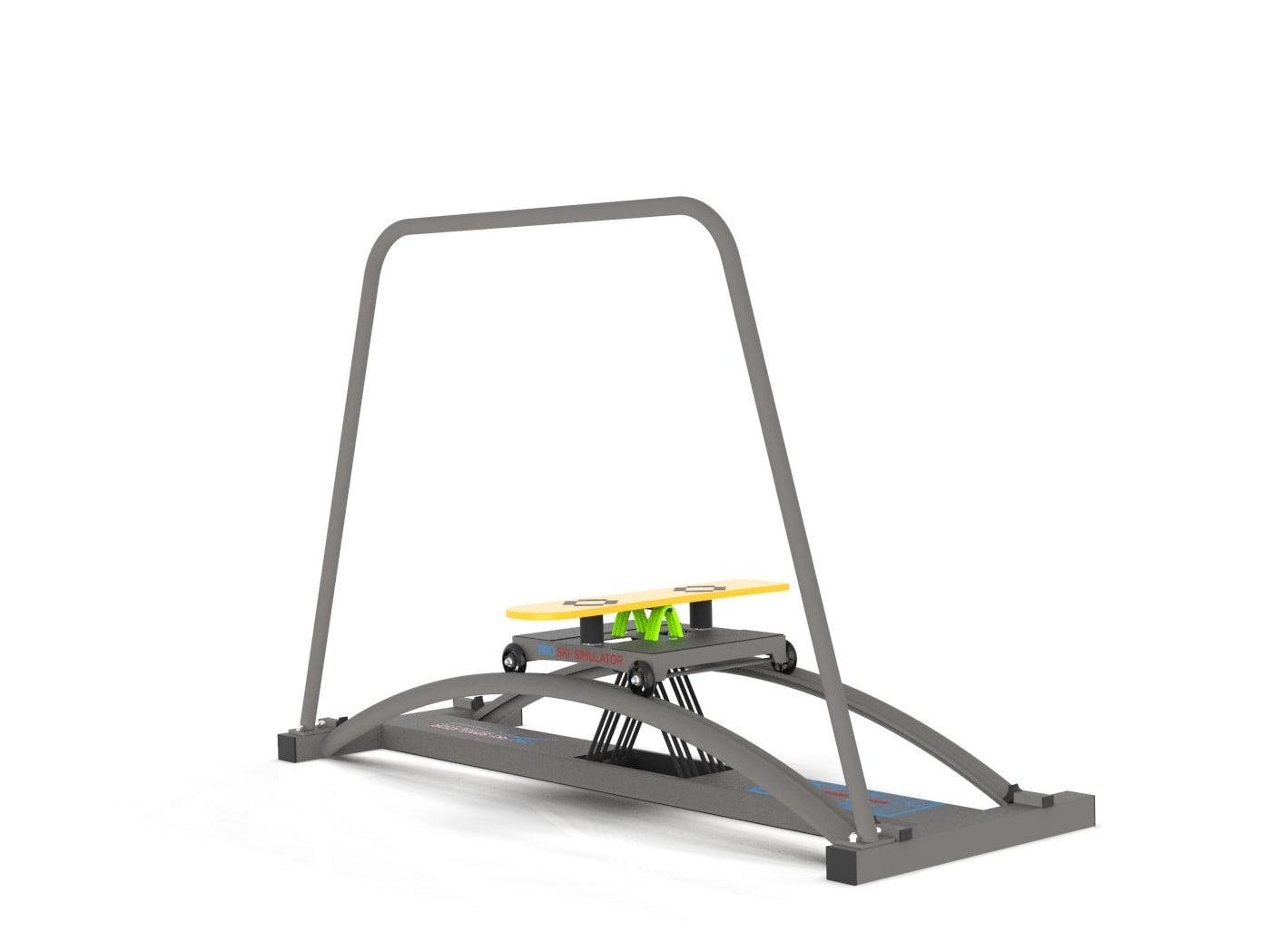
Classic frame · all-in-one cart · Snowboard · Game
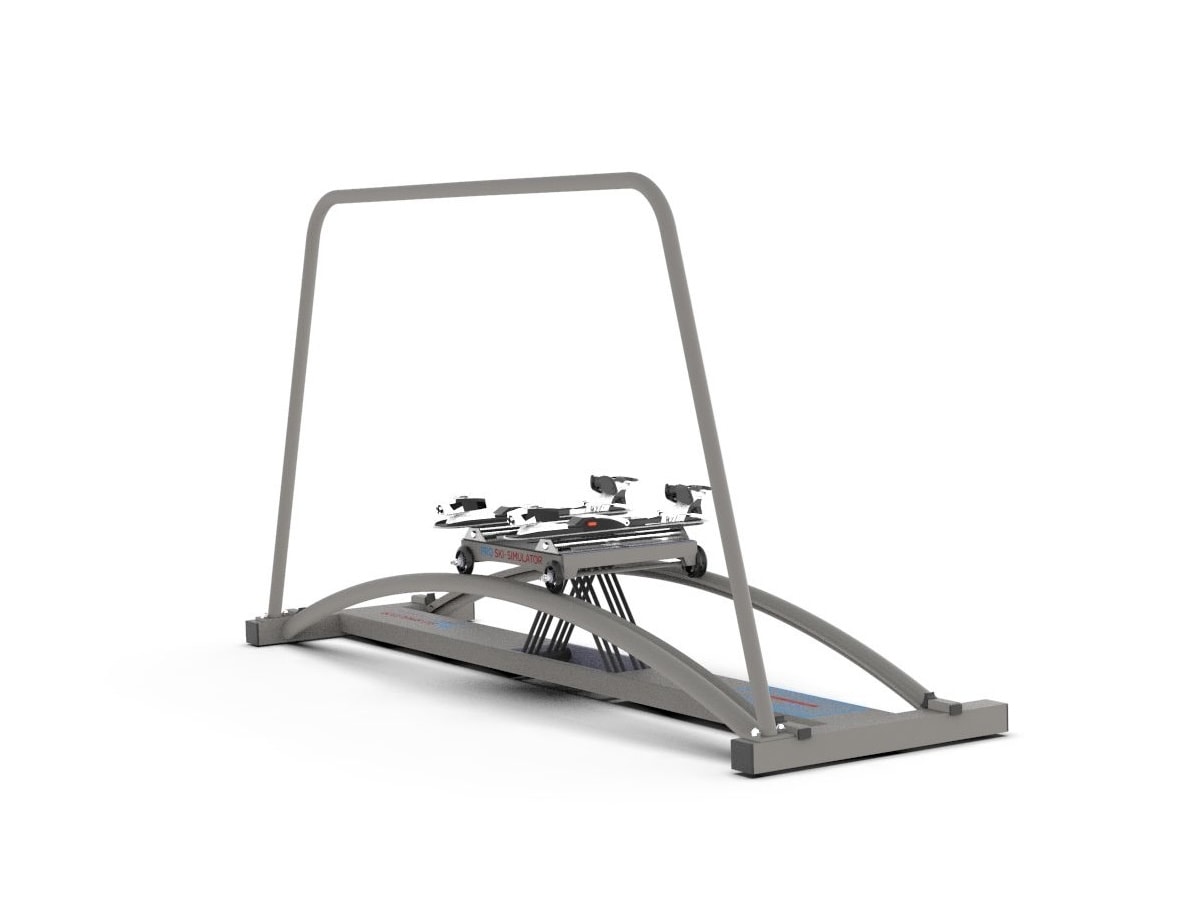
Power frame · all-in-one cart · Ski boots · Game
Power frame · all-in-one cart · Snowboard · Game
You choose one tech tier per machine. The App is a coach that measures technique; the Game is a course that makes you want to ski it again.
| Pro Ski App | Pro Game Set 360 | |
|---|---|---|
| Price | +930,00 € | +1.000,00 € |
| What it is | Ankle sensor + phone app that measures your turns | Downhill, slalom, giant slalom and an endless slope on your TV |
| Feedback | Turn correctness, speed and amplitude, footpad angles, symmetry, session statistics | Gates made or missed, times |
| Connection | Bluetooth to your phone | USB to a Windows PC, HDMI to the screen |
| You need | An iOS or Android phone (phone holder included) | A Windows PC and a TV or projector |
| Skiing | Yes — Sneakers or Ski boots module | Yes — Sneakers or Ski boots module |
| Snowboard | No — tracks ski movement only | Yes — works with the snowboard deck |
| Frames | Junior, Classic, Power | Classic, Power |
| Cart | All-in-one cart only | All-in-one cart only |
| Built in | Professional | — (SKI FIT 360 has its own software) |
| Best for | Technique work, measurable progress, racers and ambitious skiers | Motivation, families, snowboarders, long volume sessions |
| About the App | Configure with the Game |
No — the tech tiers are one per machine: Basic, App or Game. If you’re unsure, the comparison above sums up which one suits you.
Yes. The Game works with the Snowboard module as well as with Sneakers and Ski boots, on the Classic and Power frames. That’s why the Snowboard Trainer and Power Snowboard offer the Game as their tech tier.
A Windows PC or laptop — the Game software runs on Windows only — and a TV or projector connected to it by HDMI. The machine connects to the PC with the USB cable in the set; no Bluetooth is needed.
Yes — the Game works in ski boots or sports shoes, with the Ski boots or Sneakers module, and with the snowboard deck.
The fixed B-type cart and the Junior can’t take the Game.
The Game includes games and competitions for family and friends.
Choose a Classic or Power, any module, and the Game tier — the price updates as you go.